Sports video / iPhone
CamTap
Record the action.
Share what matters.
Keep recording. Tap when a play matters. Find and share your highlights without watching it all again.
Download on the App StoreFree for iPhone. Requires iOS 18.5 or later.
Available in the U.S. App Store.

See CamTap in action
Less searching.
More sharing.
From the sideline to the moments you want to watch again.
See the play.
Tap the moment.
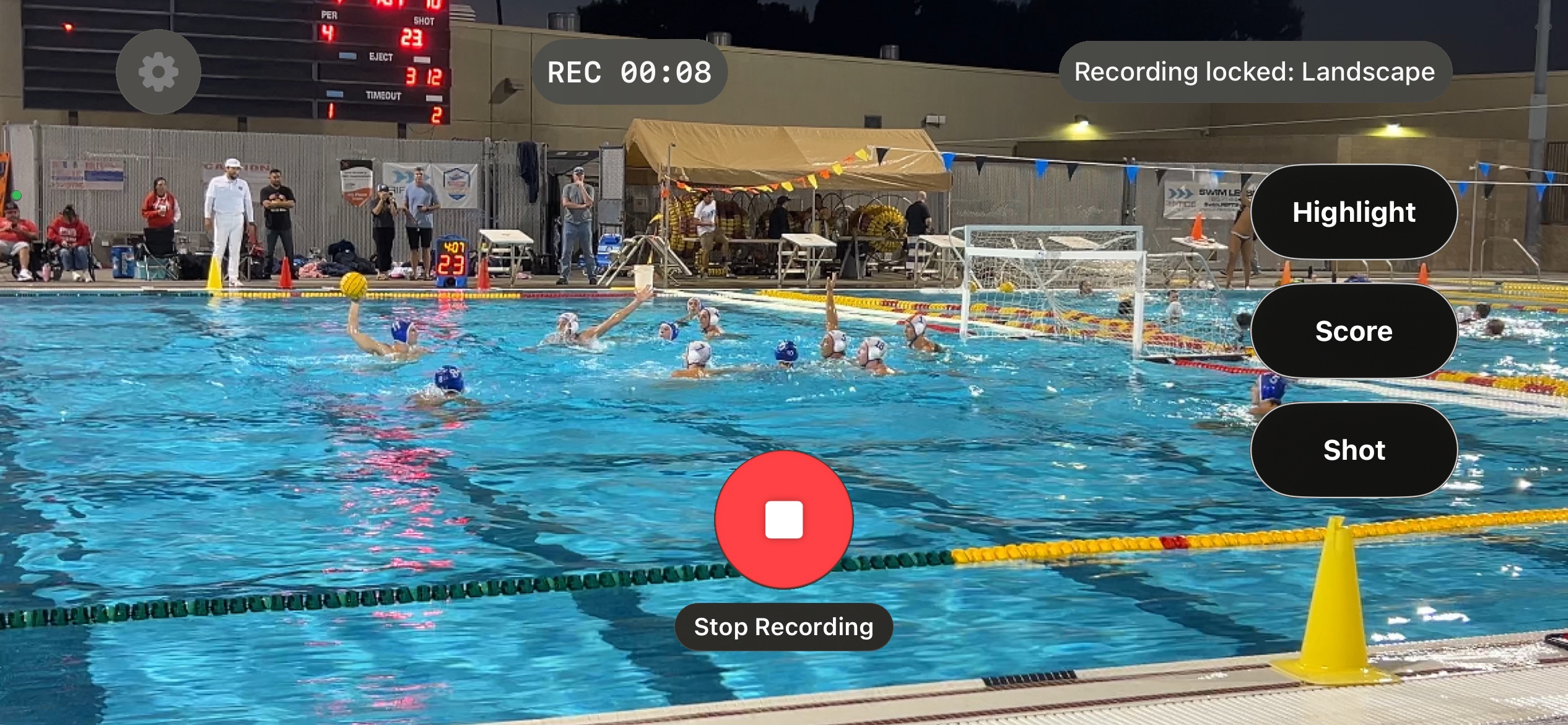
Keep filming while you mark a highlight, score or another play with your own button names.
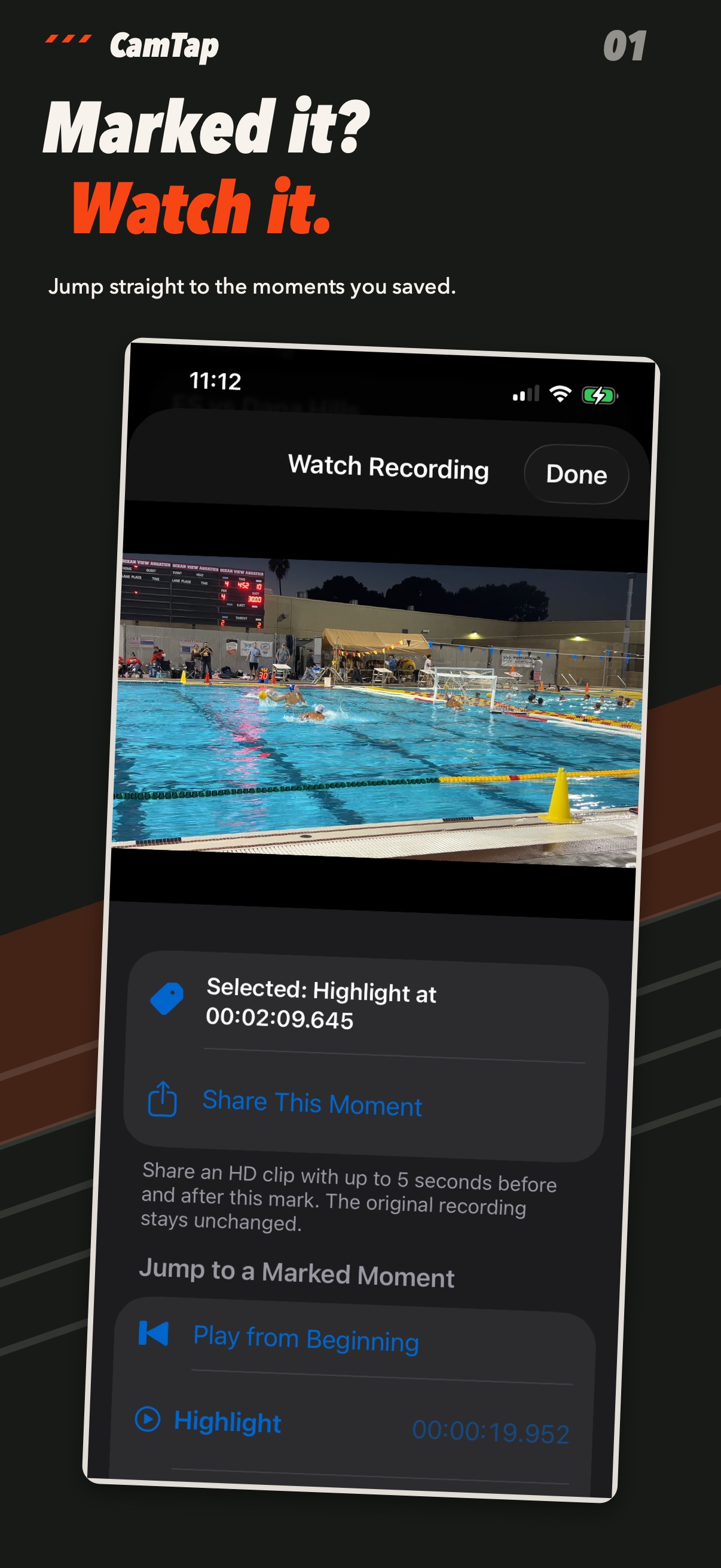
Marked it? Watch it.
Jump to a saved moment, then share a short clip.
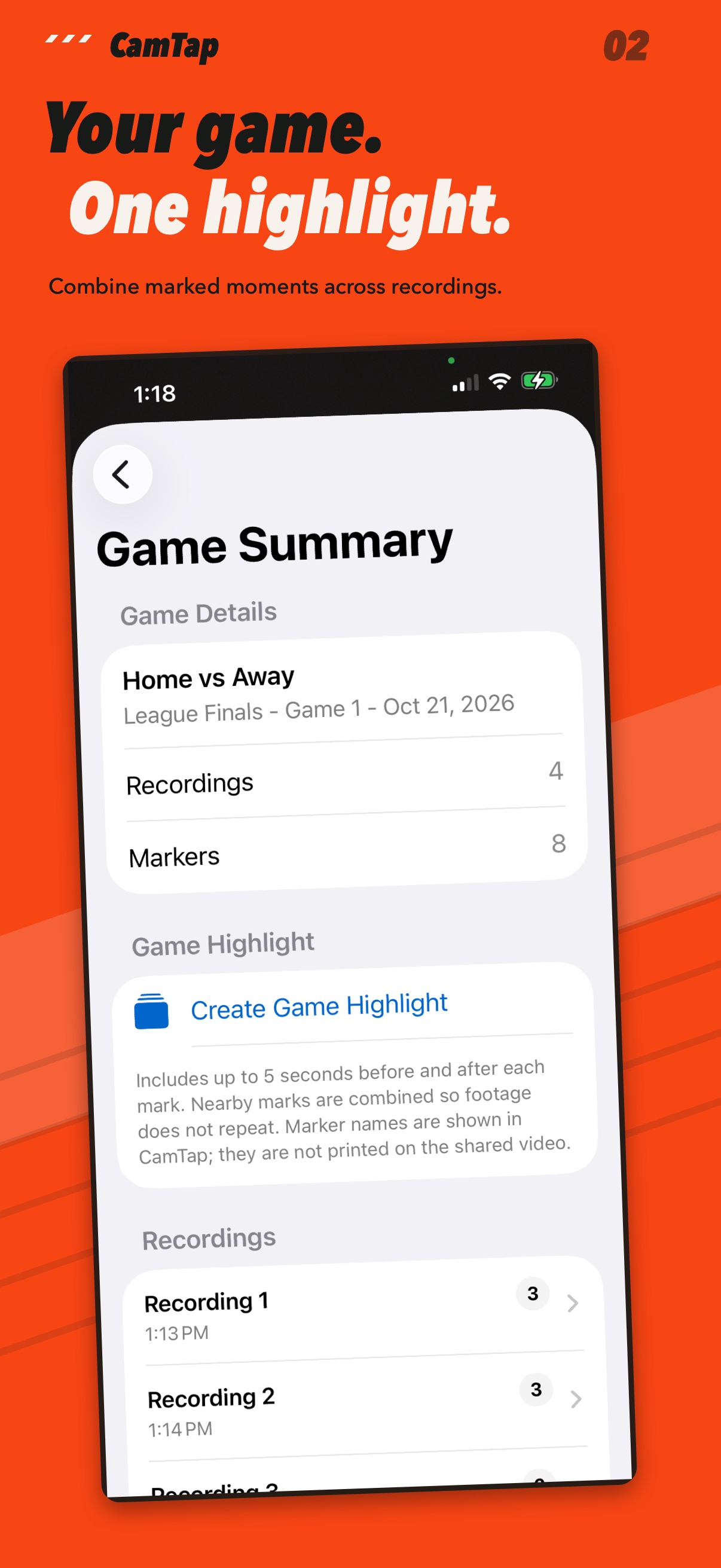
Your game. One highlight.
Combine marked moments from the game into one shareable video.
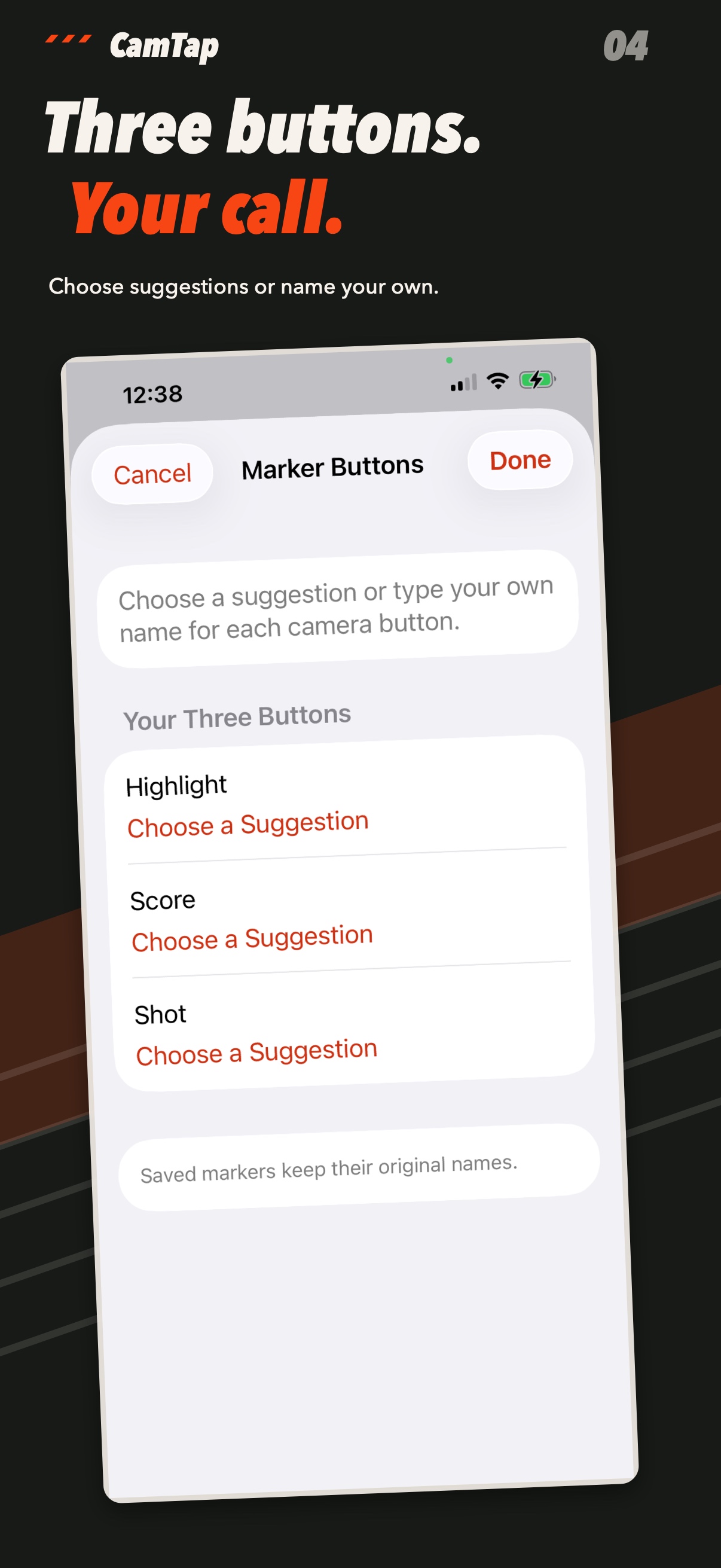
Your sport. Your buttons.
Choose suggested labels or type your own names for the three buttons.
Select an image to see the full-size view.
How it works
You saw it happen.
You shouldn’t have to hunt for it.
Record on the iPhone you already have, in HD or 4K on supported devices. Choose your sport and customize three marker buttons for the plays you care about.
Tap a button when a play matters and keep filming. Your original recording stays intact, including the action you didn’t mark.
After the game, jump back to a marked moment, share a short clip, or combine marked moments from a recording or game into one highlight video. Recordings stay organized by game.
No account or extra camera is required. You choose when to save copies to Photos or share your footage.
Download on the App StoreFree for iPhone. Available in the U.S. App Store.
Contact support